How to Setup a Private Blog Network Step-by-Step
Setup a PBN by finding quality expired domains, securing diverse hosting, and publishing quality content to build backlinks.
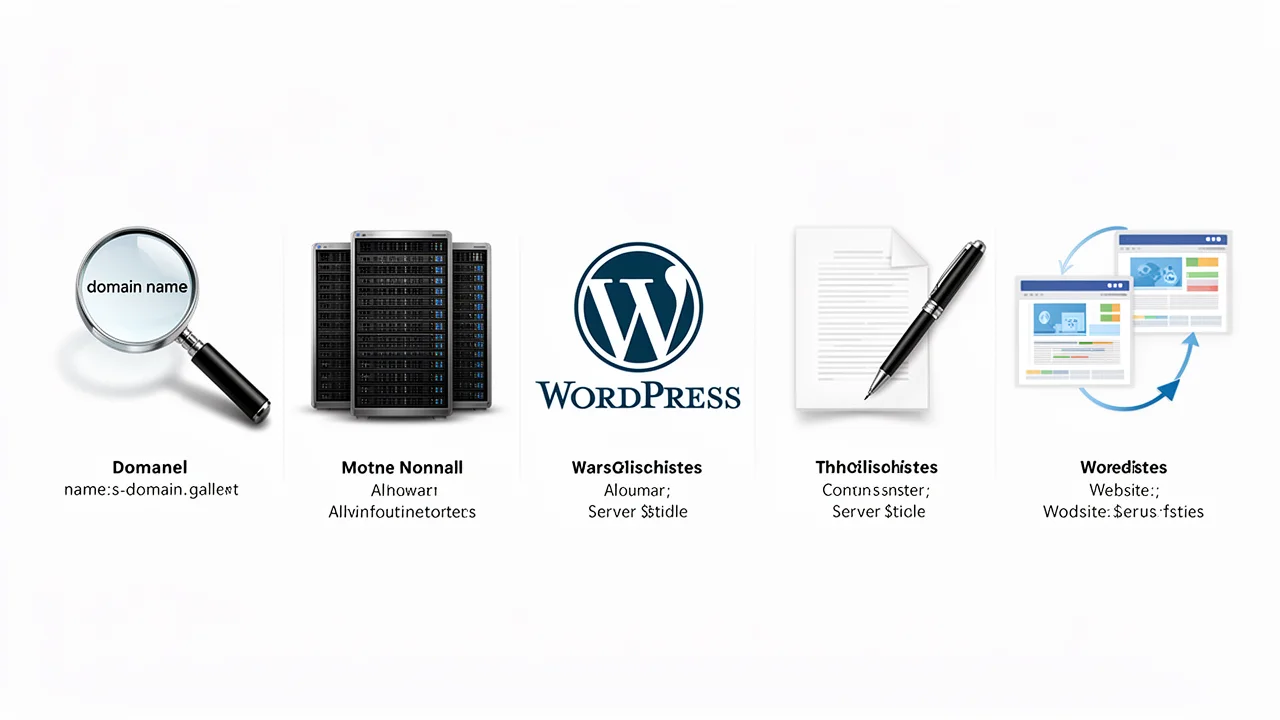
Phase 1: Planning and Domain Acquisition
A successful PBN starts with a solid plan and high-quality foundation domains. First, define the niche and target keywords for your network sites. Then, source expired or auction domains. Use tools like ExpiredDomains.net, GoDaddy Auctions, or SpamZilla to find candidates. Critical vetting steps include: - Check Backlink Profile: Use Ahrefs or Majestic to ensure links are from relevant, non-spammy sites. - Review History: Use the Wayback Machine to see the site’s previous content and avoid penalized or adult-themed histories. - Verify Metrics: Look for domains with Domain Rating (DR) or Trust Flow (TF) above 15-20, but prioritize clean profiles over high metrics alone. - Check Current Indexing: Ensure the domain isn’t currently penalized or de-indexed by searching site:domain.com in Google.
Phase 2: Hosting and Server Configuration
This phase is critical for avoiding the #1 PBN footprint: shared hosting IPs. Never host all PBN sites on the same hosting account or IP address.
Strategies for Diversification: - Use multiple shared hosting providers (e.g., SiteGround, Bluehost, HostGator). - Invest in separate VPS (Virtual Private Server) plans from providers like DigitalOcean or Vultr. - Consider decentralized options like Cloudflare integration with different origin servers to mask hosting further.
For each site, ensure you: 1. Set up unique nameservers if possible. 2. Install an SSL certificate (free via Let’s Encrypt). 3. Use privacy protection on domain WHOIS records.
Phase 3: Website Installation and Theming
While WordPress is popular for its ease of use, avoid making every site identical.
Installation & CMS Choices: - Use a mix of WordPress, static site generators (like Jekyll), or other CMS platforms. - For WordPress sites, use different installation methods (one-click installs vs. manual setup).
Theming & Plugins: - Install unique, lightweight themes for each site. Avoid nulled or pirated themes. - Curate a different set of plugins for each site. Only install essential plugins (SEO, security, caching) and choose different ones where possible (e.g., use Yoast SEO on one site, Rank Math on another). - Remove all generic ‘Hello World’ posts, sample pages, and default comments. This attention to detail is a hallmark of professional website management.
Phase 4: Content Creation and Site Structure
Content is what transforms a footprint-ridden link platform into a seemingly legitimate website.
Content Strategy: - Create 5-10 foundational articles of 800+ words that are genuinely useful and relevant to the site’s niche. - Use original images, or properly licensed stock photos. Avoid duplicate images across the network. - Write in different tones and styles for each site.
Site Structure: - Build a logical menu with standard pages: Home, About, Contact, Privacy Policy, and a Blog/Articles section. - Ensure the site is fast-loading and mobile-responsive. - Add a few outbound links to high-authority sites in your niche (e.g., Wikipedia, .gov, .edu sites) to appear more natural. For larger networks, creating this volume of unique content is where a structured content network strategy proves invaluable.
Phase 5: The Linking Strategy and Ongoing Management
This final phase activates your PBN. The goal is to mimic a natural site discovering and linking to another resource.
How to Link: - Wait 2-4 weeks after publishing content before adding the first link to your money site. - Place links contextually within relevant articles, not just in sidebars or footers. - Use a variety of anchor text: branded, partial match, long-tail phrases, and natural phrases like ’learn more here’ or ’this resource’. - Link to different pages on your money site, not just the homepage.
Ongoing Management: - Add new content to each PBN site regularly (1-2 posts per month) to maintain activity. - Monitor site health (uptime, security updates). - Keep detailed records of each site’s domain, hosting, login, and linking details. Using dedicated PBN management software can automate much of this tracking and maintenance, reducing your operational overhead.
Frequently Asked Questions
What is a Private Blog Network?
A PBN is a network of websites you own, used to build backlinks to your main site to improve its search rankings.
Is a PBN safe for SEO?
PBNs carry risk. If detected by Google, they can lead to penalties. Success requires careful setup and quality content.
What's the first step in building a PBN?
The first step is finding and acquiring high-quality expired domains with strong backlink profiles and clean history.